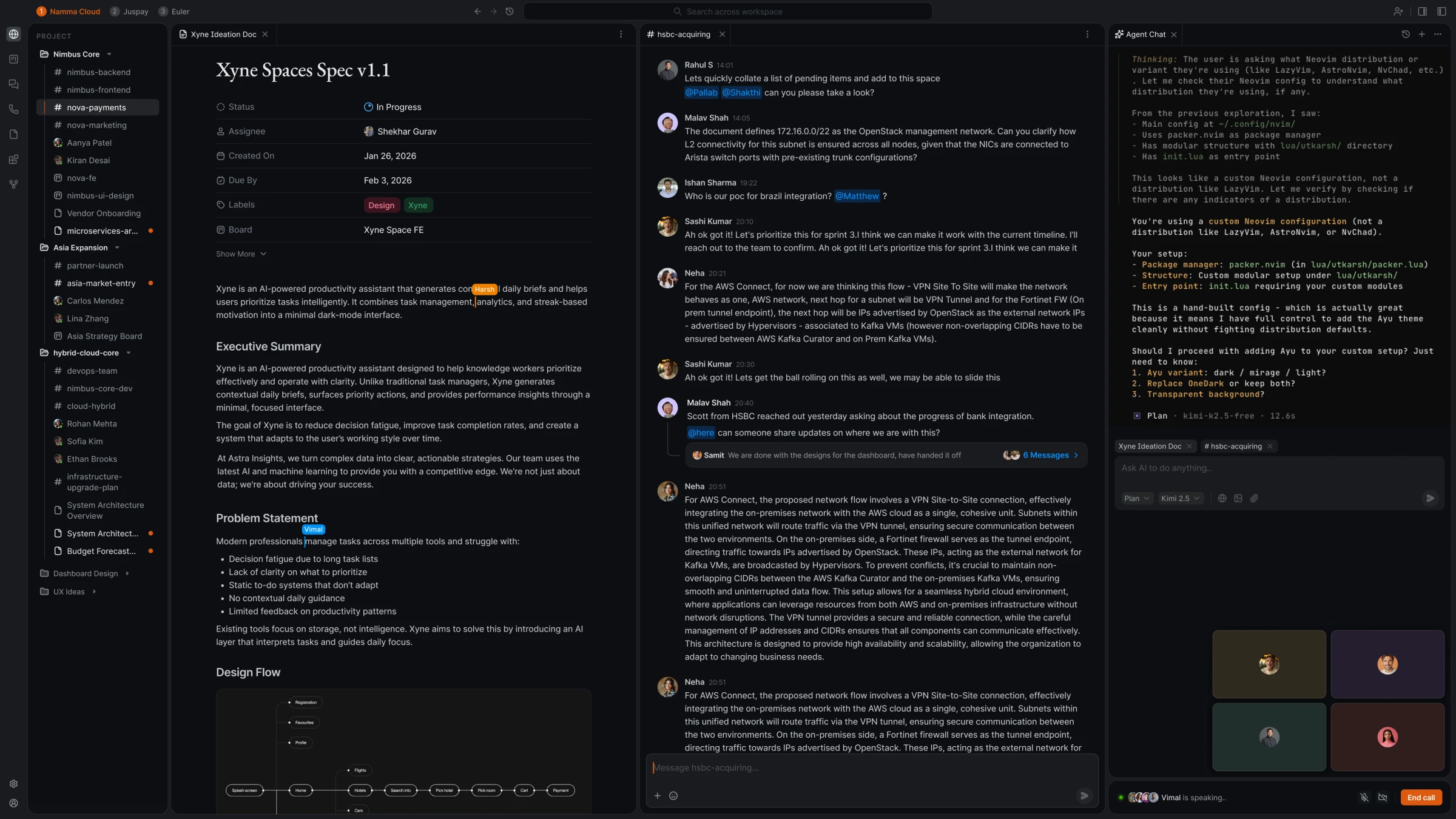
Rethinking the IDE for human–agent collaboration
Exploring how an IDE could evolve beyond code editing to bring the context, collaboration, and AI tools developers need into one place.
At Juspay I’ve been working on their new AI native products under Xyne, an AI-first workspace designed to bring people and AI agents together in everyday workflows. The broader vision is to move beyond treating AI as a standalone assistant and make it a more integrated part of how teams collaborate, plan, and get work done.
As part of Xyne, I worked on IWE (Integrated Workplace Environment), exploring how a traditional IDE could evolve into a workspace where code, context, and AI agents come together. The idea was to make agents part of the development process, working alongside developers rather than as separate tools.
- Role
- Product Designer
- Team
- Harshvardhan Agarwal (Product Designer), Shekhar Gurav (PM) and Harsh Sharma (Design Engineer)
Some project snapshots
Unified Search
One search bar across your code, threads, and tickets. So you stay in flow and focus on the problem, not the tooling.
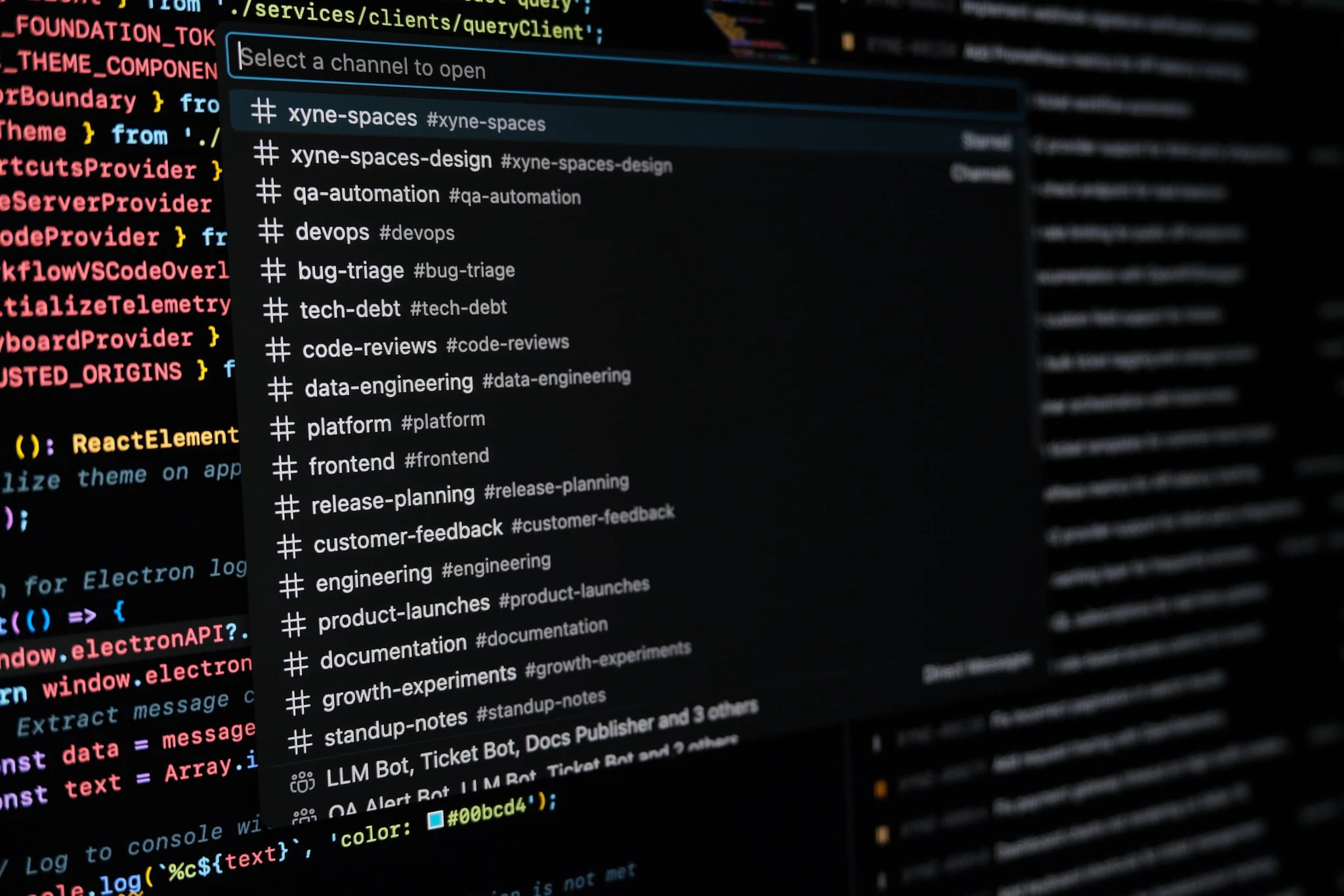
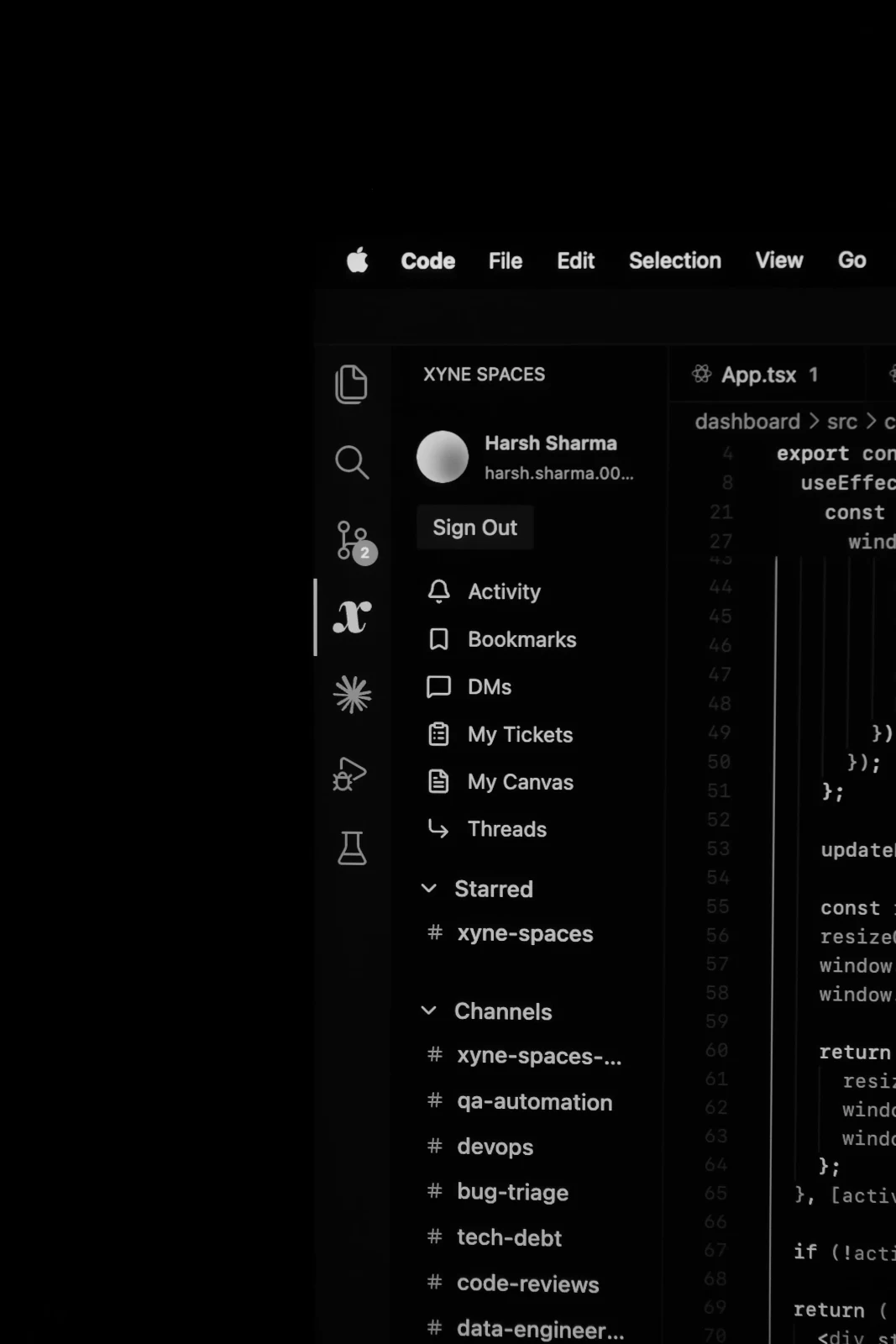
Native VSCode Experience
Built as a VSCode extension, it follows the editor’s native architecture and UI conventions. Slotting in like it was always there, with room to grow as your workflow does.
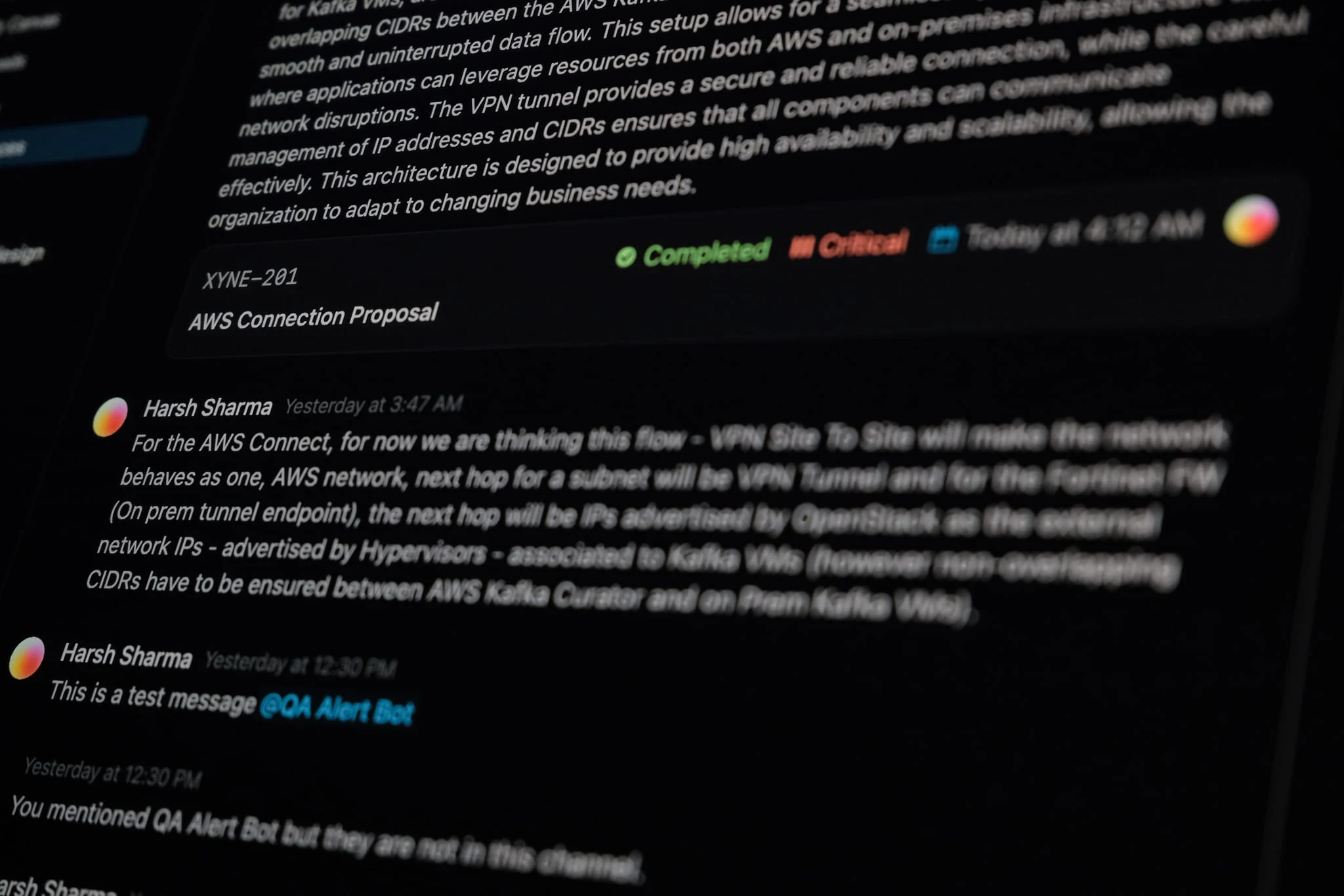
Integrated Communication
Conversations surface right alongside the code they reference. The decision stays attached to the implementation, not buried in another tab.
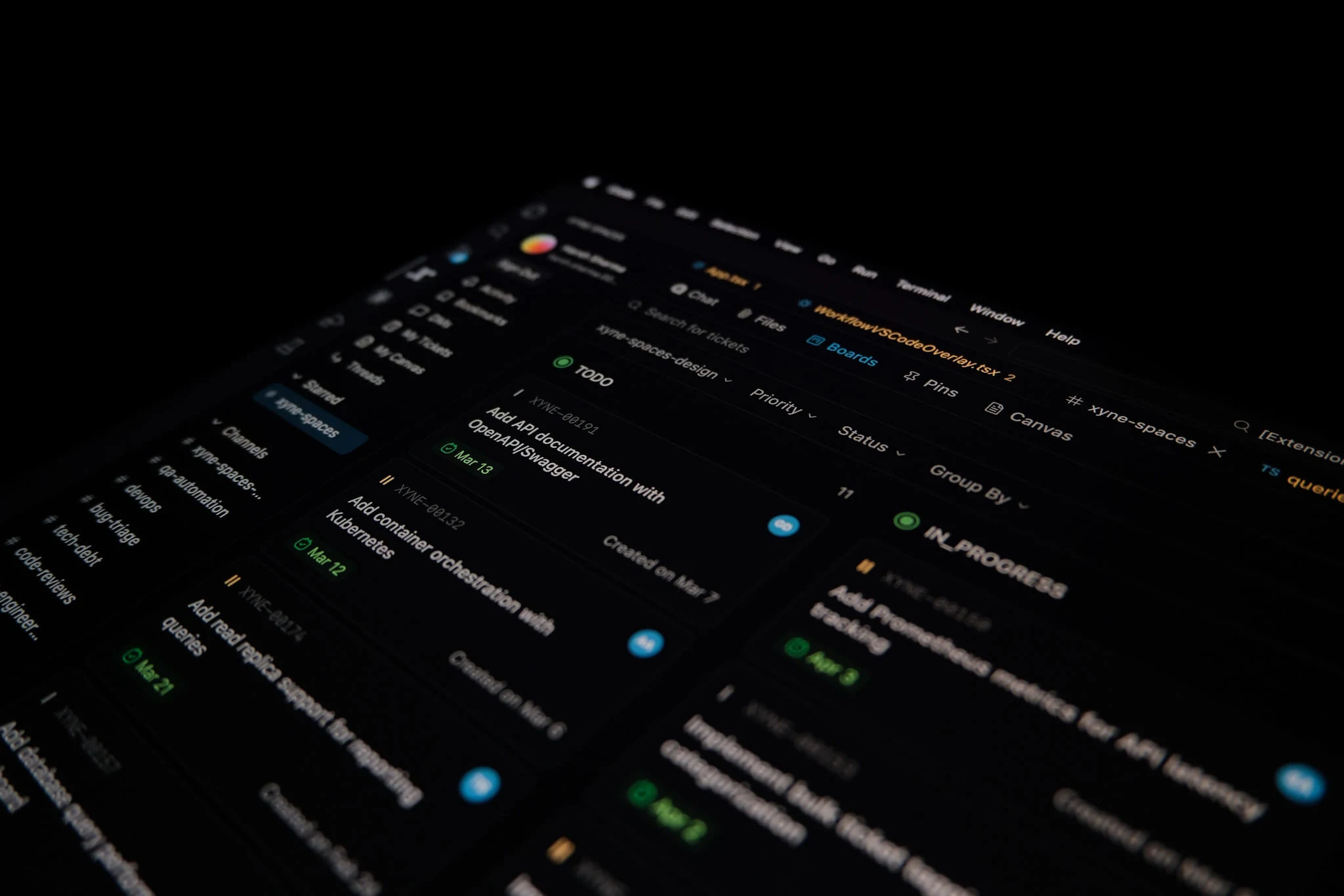
Tickets at a Glance
Your full Linear queue lives in the sidebar — scan what’s open, triage priorities, and jump into a ticket without bouncing between the browser and the editor. Better DX, fewer context switches.
Visualising activity
While working on this, we tried multiple ways to visualise what your activity could look like. Here is one exploration, made by Harsh Sharma, a crazy good design engineer.